NOW
Purpose
- Returns the current date and time (based on your computer's date and time)
Example
- NOW is similar to TODAY, but it is more precise, as shown here:
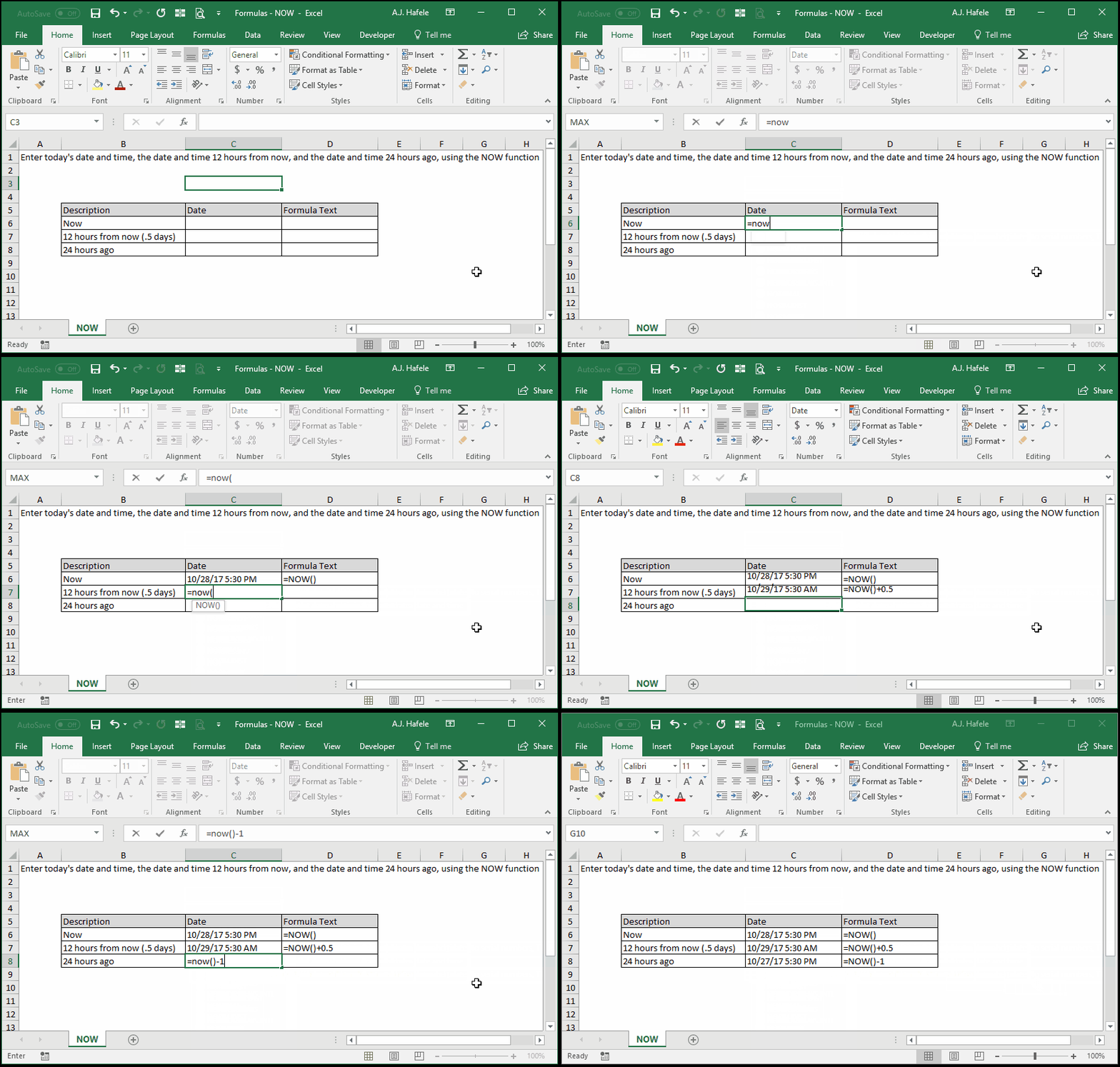
- Here is a screenshot, for reference:
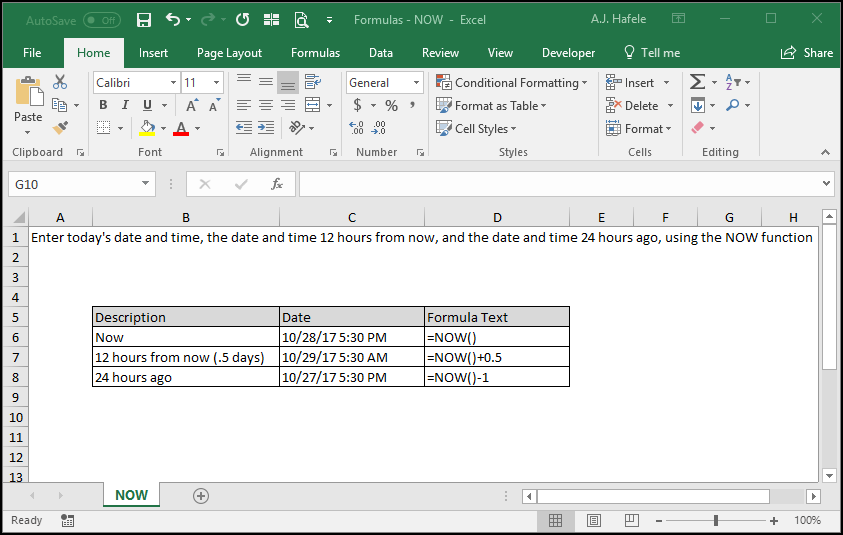
- Notice that date serial numbers do not have to be integers
- The fractions represent the time (with 12:00 AM equaling 0 and 12:00 PM equaling 0.5)
Syntax
Arguments
- There are no arguments for this function!
Tips
- Note that NOW will provide the current date and time, with the time representing fractions of a number. For example:
- 12:00 AM is 0
- 6:00 AM is .25
- 12:00 PM is .5
- 6:00 PM is .75
- etc.
- The default time used in the TODAY function is 12:00 AM (or 0), hence the reason TODAY will always provide a date serial number that is an integer
- If the results of the NOW function are stale (i.e. the date and time is old), be sure to recalculate your worksheet or workbook
- Pressing F9 is one quick way to do this
Practice
External Links
