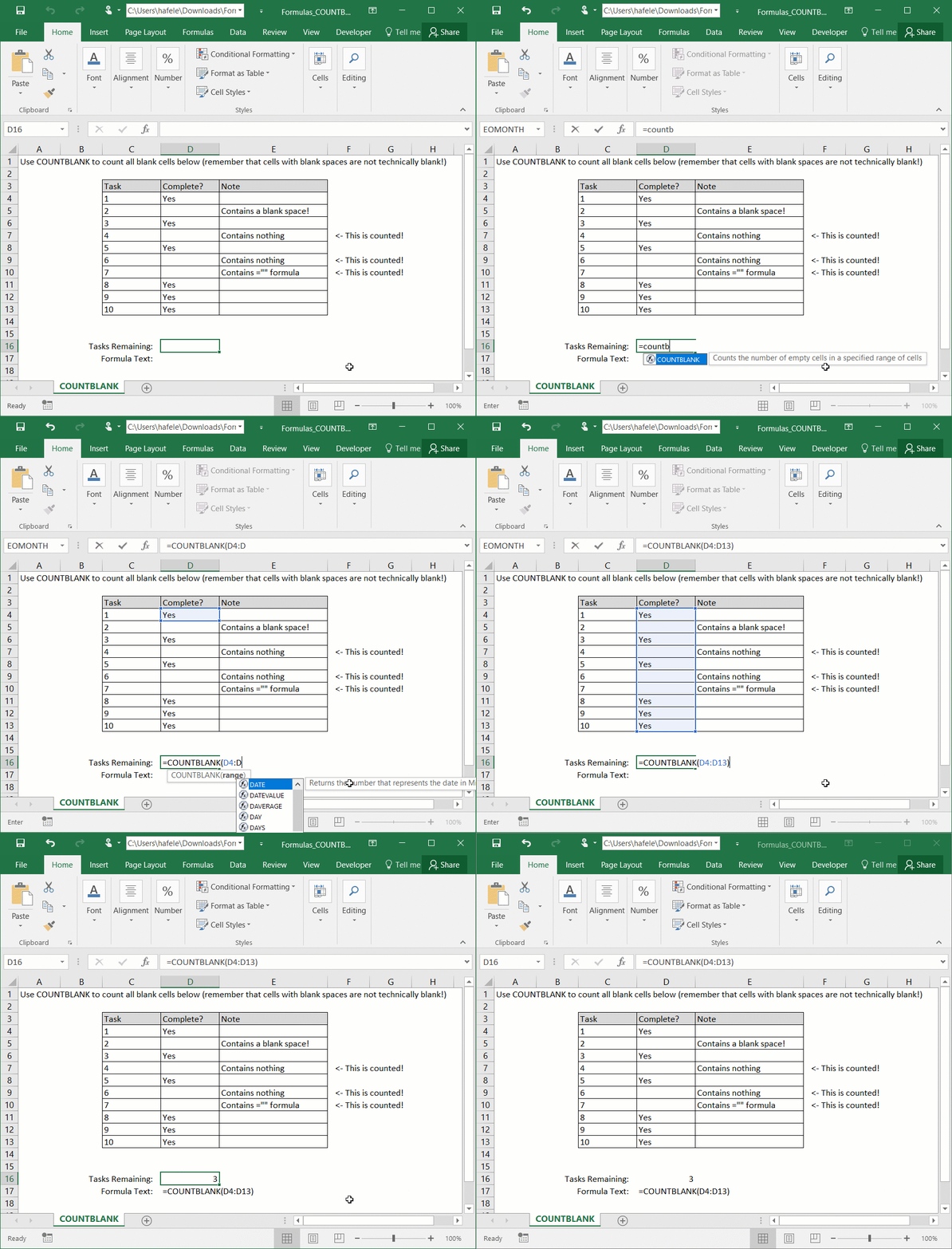
Cells containing only blank spaces (" ") are not considered blank cells
Example
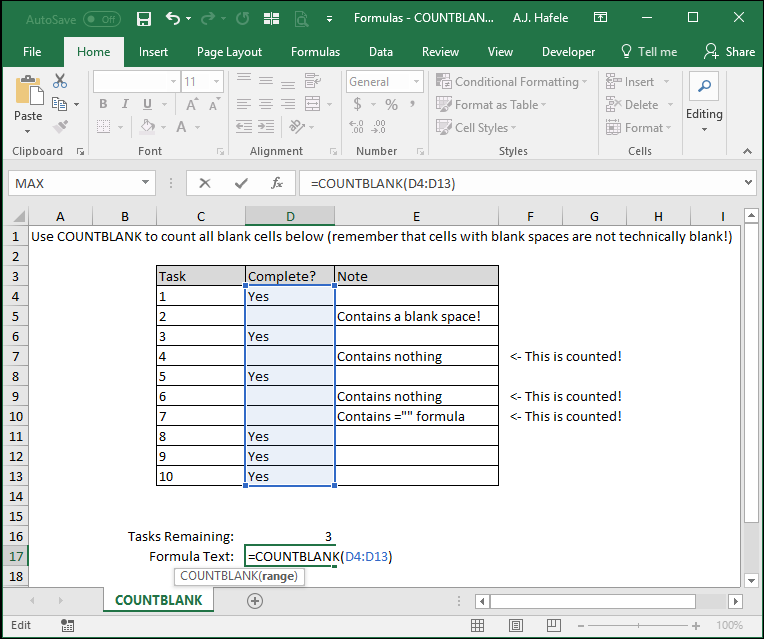
Here is a screenshot, for reference:
Notice that:
The example's result (of 3 incomplete tasks) is actually incorrect, because one of the cells contains a blank space and is not counted as blank with COUNTBLANK
Thus, be very careful to avoid blank spaces, or you may end up with incorrect data, as in this example
Syntax
=COUNTBLANK(range)
Arguments
range
This is the range of cells that you want to evaluate (and you want to know how many cells within that range are blank)
It can be a range of multiple rows and columns, but it must be contiguous
Tips
To reiterate, a cell containing a blank space (" ") is not a blank cell!
Also, remember that a formula resulting in "" is indeed counted in the COUNTBLANK function
This is great when you need to count blank cells, but the blanks are derived from formulas