Note that column A corresponds to column number 1, column B corresponds to column number 2, etc.
Example
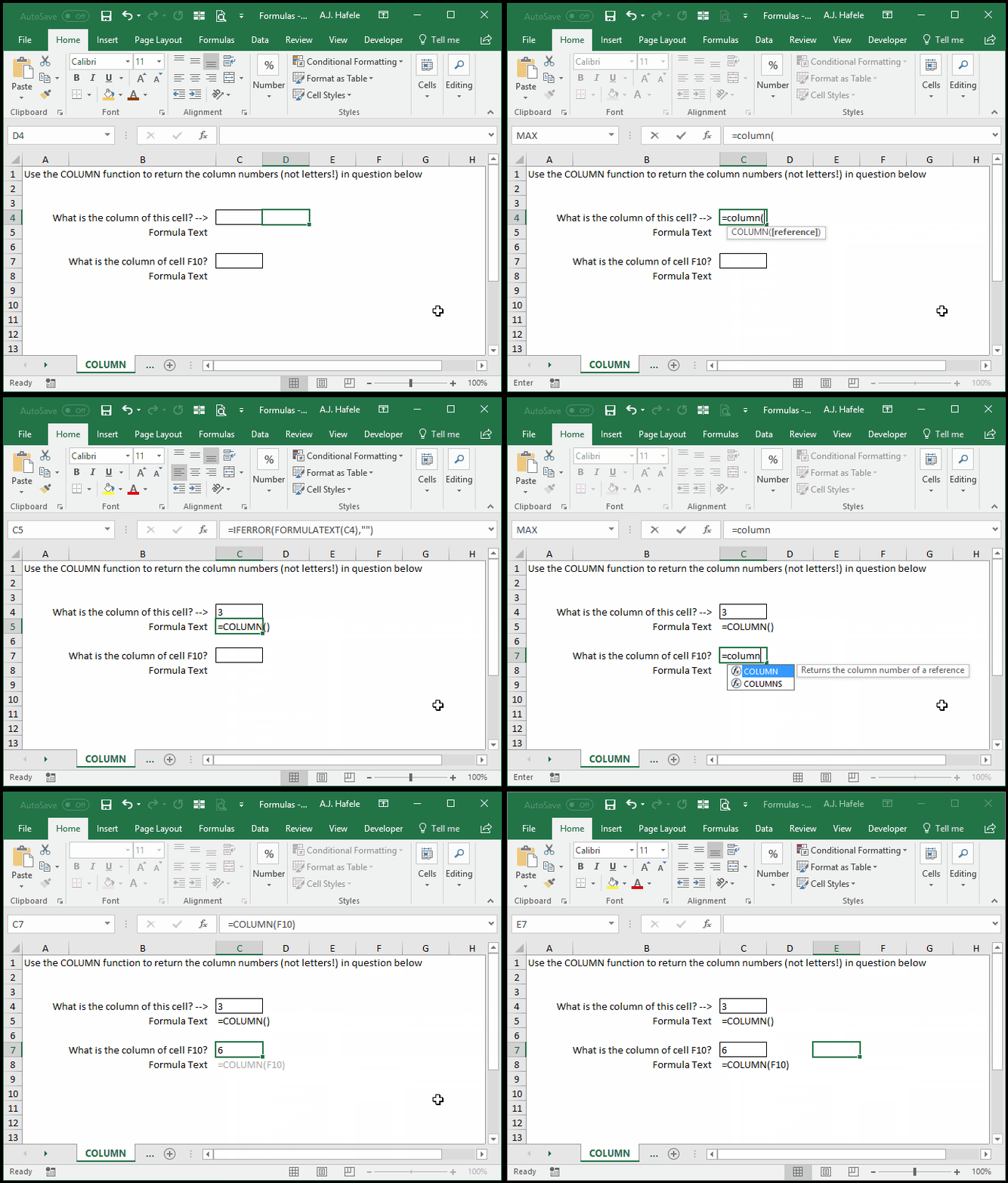
Here is a screenshot, for reference:
Notice that:
If you do not enter any argument, the COLUMN function will return the column of the cell itself
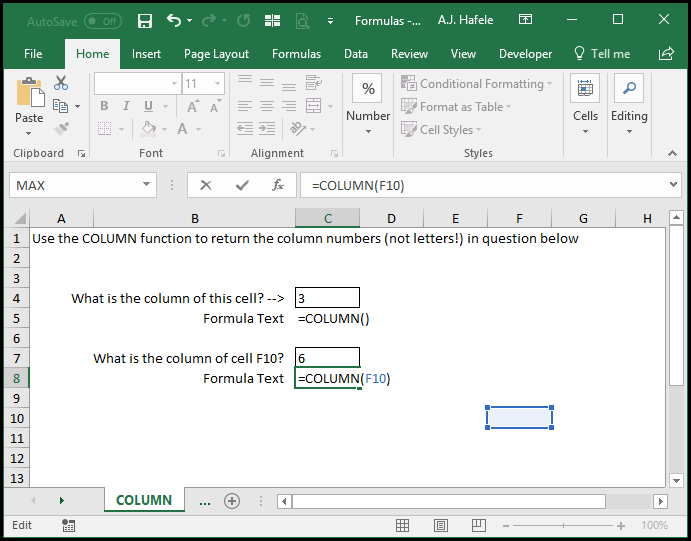
Thus, when =COLUMN() is entered into C4, the number 3 is returned (since column C is the 3rd column)
The column number corresponding to F10 is 6, since F is always the 6th column in every worksheet
Syntax
=COLUMN(reference)
Arguments
reference [optional]
This is the cell whose column number is needed
If the reference is omitted, the formula will return the column number of the cell containing the COLUMN formula
If the reference is a range (e.g. C5:X1000), the result will be the leftmost column in the range (e.g. 3, since column C is the third column in every worksheet)