TODAY
Purpose
- Returns today's date (based on your computer's date)
Example
- Note that this example was recorded on October 28, 2017
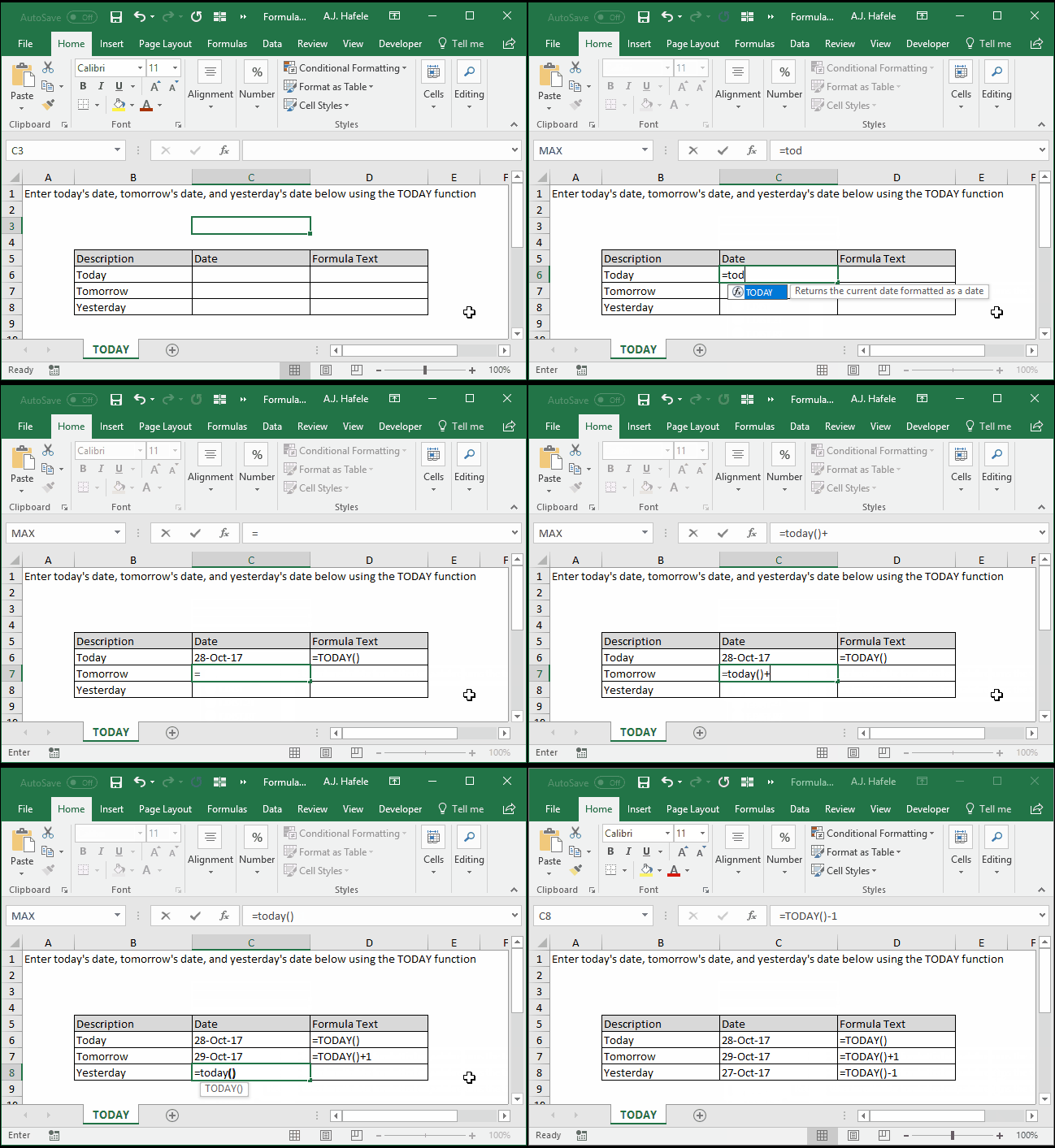
- Here is a screenshot, for reference:
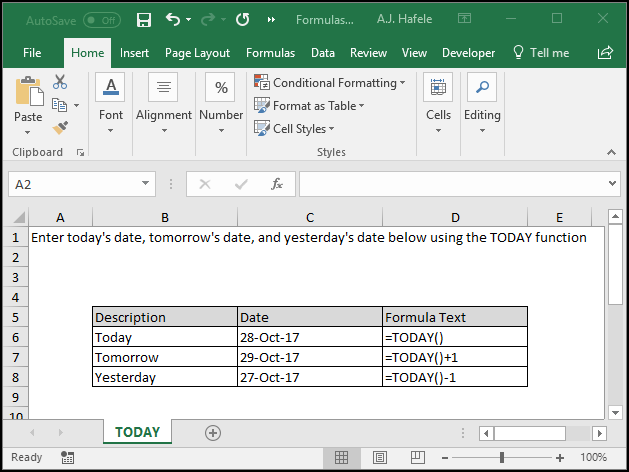
- Note that all dates in Excel are actually numbers (or "serial numbers") that are just formatted as dates
- For example, here are the numbers that correspond to the dates in the above illustration:
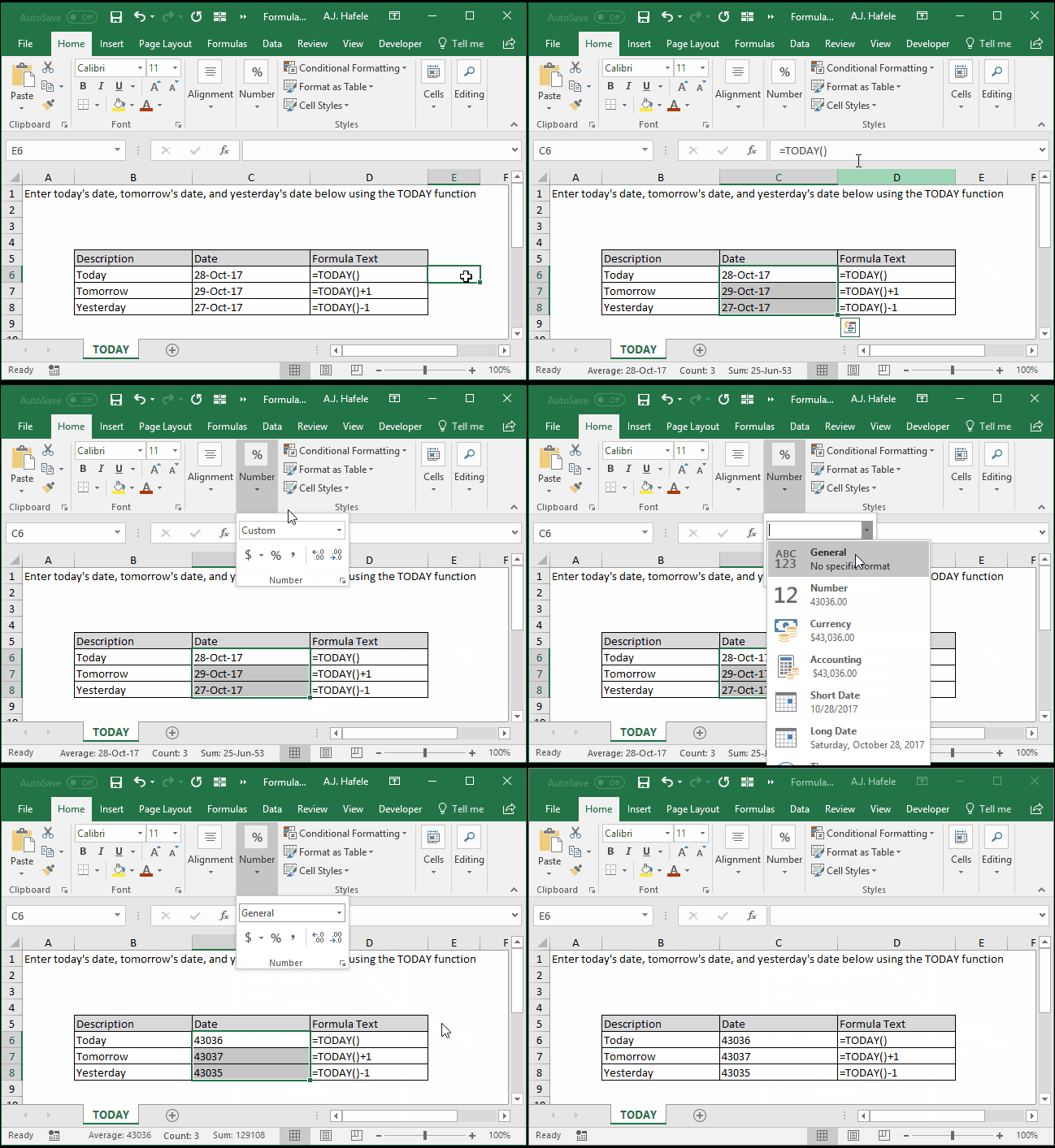
- In other words, for example, October 28, 2017 is coded to number 43036 in Excel (and October 27, 2017 is coded to the next integer up, 43037)
- However, these serial numbers can be formatted to appear as normal dates
Syntax
Arguments
- There are no arguments for this function!
Tips
- The TODAY function will always return an integer serial number
- Remember, however, that these serial numbers may be formatted as standard dates
- This means that TODAY provides the serial number for today's date, at 12:00 AM (no fractional serial number)
- If you need a serial number for both date and time, use NOW instead
- If the results of the NOW function are stale (i.e. the date is old), be sure to recalculate your worksheet or workbook
- Pressing F9 is one quick way to do this
Practice
External Links
