Blueberry > Functions: Text > REPLACE REPLACE
Purpose
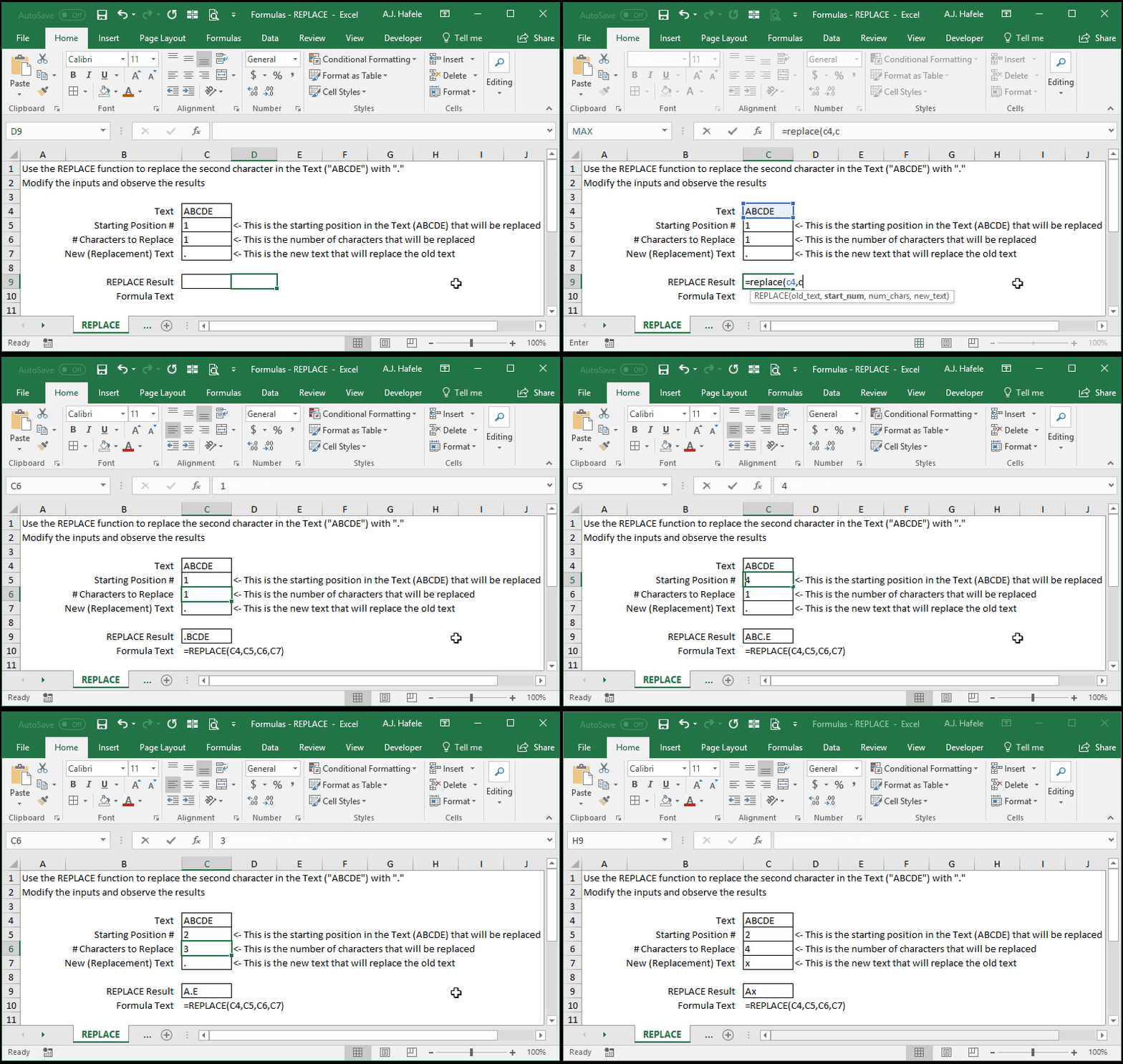
Allows you to specify the numerical starting position and number of characters (from that starting position) within your text that you want to replace with something else
For example, you can replace the 4 characters starting from position 2 with some new text
Example
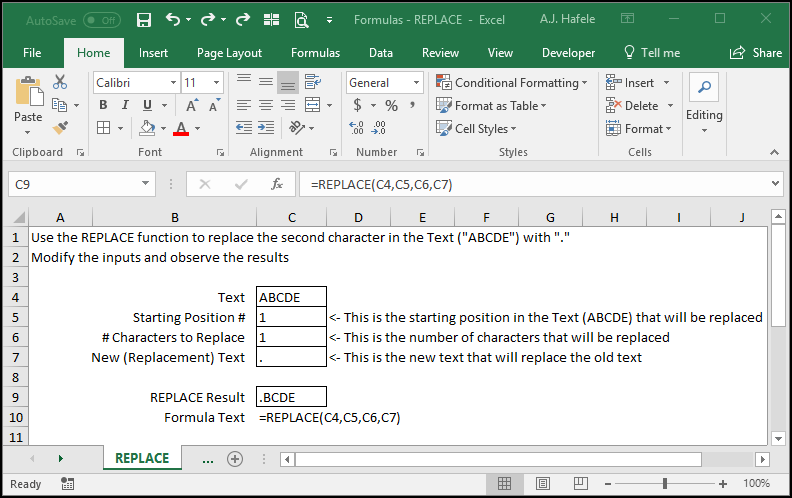
Here is a screenshot, for reference:
Syntax
=REPLACE (old_text , start_num , num_chars , new_text )
Arguments
old_text
This is the text that you need to modify (you need to replace part of this text with something else)
This can be hard-coded text, a cell reference, or text resulting from a calculation
start_num
This is the (numerical) character starting position within the old_text which will be replaced
This can be hard-coded text, a cell reference, or text resulting from a calculation
num_chars
This is the number of characters to be replaced, starting with (and including) the character in the start_num position
This can be a hard-coded number, cell reference, or calculation
new_text
This is the new text that will be inserted into the old_text to replace the old text (based on the last 2 arguments)
This can be hard-coded text, a cell reference, or text resulting from a calculation
Practice
External Links